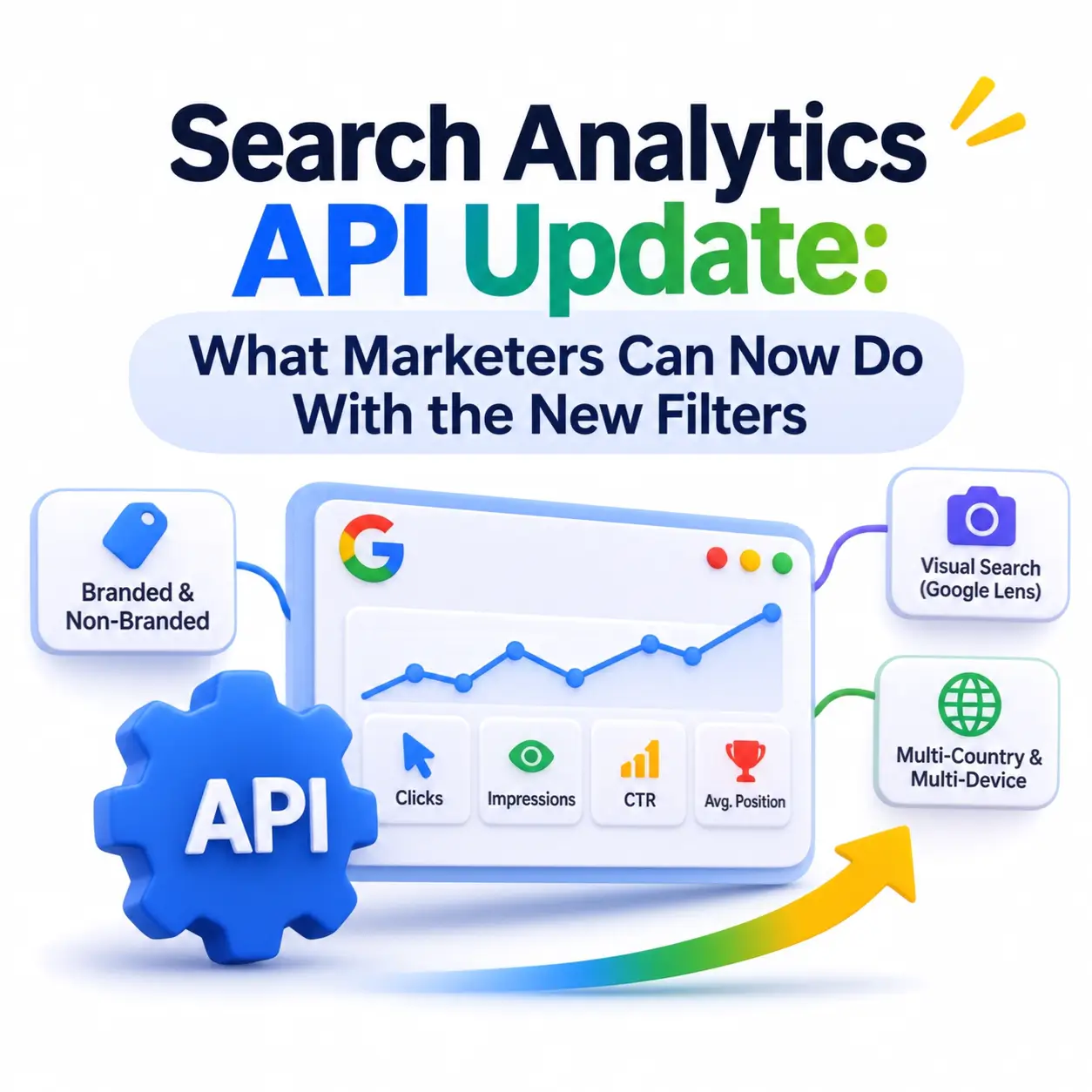
Google added three reporting options to the Search Analytics API on 16 November 2026: a branded and non-branded query split, a search type for Google Lens and Circle to Search traffic, and filters that accept several countries or devices at once. This guide explains each option in plain language, shows how marketers can use it, lists the limits to check first, and outlines the skills worth building to work with this kind of search data.
What Is the Search Analytics API?
The Search Analytics API is the programmatic route to the performance data you see in the Search Console Performance report: clicks, impressions, click-through rate, and average position. Instead of exporting spreadsheets by hand, a script, connector, or dashboard sends a request and receives rows of data in return.
Most marketers never call it directly. They meet it through Looker Studio reports, rank trackers, agency dashboards, and data warehouses that run the same query on a schedule. So a change to the API reaches many people who never write code.
How Is the API Different From the Performance Report?
The Performance report is built for a person looking at one property in a browser. The API is built for automation. It lets a team pull the same numbers for dozens of properties, store them, combine them with other data, and refresh them every day without manual exports. A feature that exists only in the report cannot reach those workflows, which is the gap this update closes.
What Changed in the Search Analytics API Update?
The announcement appeared on the Google Search Central Blog on 16 November 2026, written by Daniel Waisberg, Nati Yosephian, and Karin Gadasi of the Search Console team. Google explained that all three capabilities already existed in the Performance report and were added to the API after requests from the wider SEO community for custom reporting and automated workflows. Coverage from Search Engine Land and Search Engine Roundtable describes the same three additions.
The update does not change how pages rank. It changes how you access and segment the data.
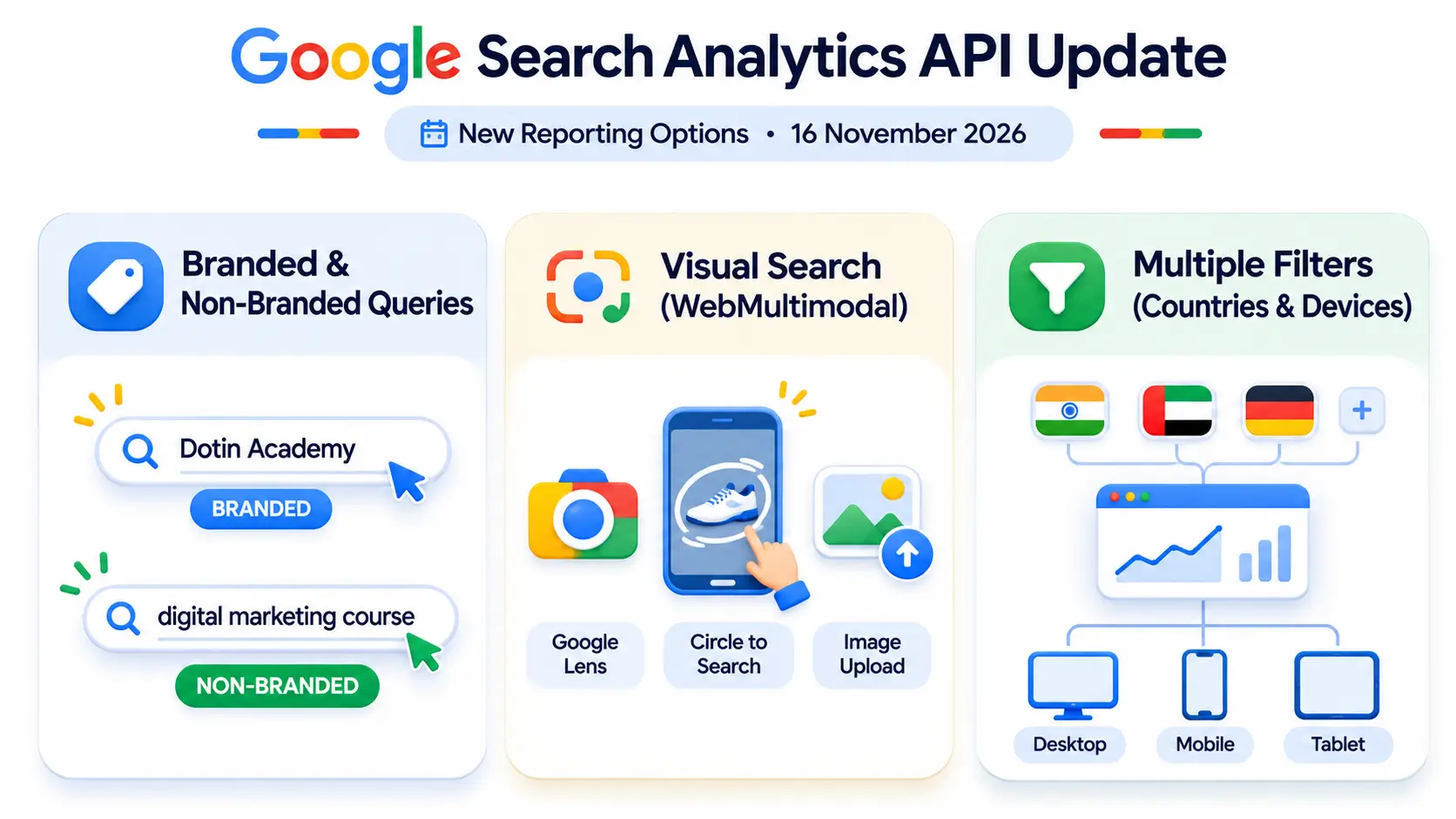
brandedClassification: Branded and Non-Branded Queries
The first addition is a field called brandedClassification. You can group or filter data by it, and each row is labelled BRANDED or NON_BRANDED. It mirrors the branded queries filter that Google introduced in the Search Console interface in 2025.
Before this, anyone who wanted a brand split from the API had to maintain long regular expression lists of brand spellings and typos. Now Google’s own classifier applies the label. That saves setup time and gives every team the same definition of brand traffic.
webMultimodal: Visual Search Data
The second addition is a new search type called webMultimodal. Set the type parameter to this value and the API returns performance data from Google Lens, Circle to Search on Android, and image uploads in Google Search. Google introduced the matching report in the interface in September 2026, and its announcement of web multimodal reporting explains the surfaces it covers.
Google also says this data will be available in BigQuery for properties with an active bulk data export, although it has not given a date.
filterLists: Several Countries or Devices in One Request
The third addition is a field called filterLists. It lets a single request filter by a list of countries or a list of devices. Google’s own examples are regional groups such as EMEA, LATAM, and DACH. Countries use three-letter ISO codes, so a marketer reporting on India and the United Arab Emirates would pass IND and ARE. Devices use the values DESKTOP, MOBILE, and TABLET.
Previously, the same job needed several separate requests that were merged afterwards. The new field removes most of that work.
How Does the Search Analytics API Update Help Marketers?
The benefits fall into three areas: clearer brand reporting, faster multi-market reporting, and a first automated view of visual search.
Cleaner Brand and Non-Brand Reporting
Brand demand and discovery demand tell different stories. Branded queries show how many people already know a business and search for it by name. Non-branded queries show whether new audiences find the business through general topics.
Reporting both in one dashboard lets a marketer see whether growth comes from awareness or from content and search work. It also prevents a common misreading: a traffic rise made mostly of branded queries says little about whether new topics are winning visibility.
Faster Multi-Market Reporting
Agencies and in-house teams that serve several countries gain the most from filterLists. One request can return combined data for a group of markets, so a regional report no longer needs one call per country plus manual merging. Fewer calls also mean simpler scripts.
A First Automated View of Visual Search
Visual and multimodal searches are a newer route through which people reach websites, and marketers want to know whether their pages appear there. The webMultimodal type gives an automated way to track that traffic over time. Teams can compare it with standard web data and decide whether image quality, product photography, and page clarity deserve more attention.
Limits to Know Before You Build Reports
The update is useful, but its conditions matter. Check these before promising results to a client, team lead, or manager:
- Eligibility: Branded data exists only for eligible top-level properties with enough query and impression volume. Google gives no threshold. Properties that do not qualify receive a response with no rows, not an error message.
- Start date: Branded data begins on 21 February 2026, so earlier comparisons are not possible with this field.
- Filter rules: brandedClassification supports only the equals operator and cannot be combined with a query filter in the same request.
- Same-dimension rule: One request cannot filter the same dimension in both filters and filterLists.
- Multimodal queries: Google has not said whether the query dimension returns rows for webMultimodal. The interface version launched without query data, so test the API on a real property first.
- Row limits: The API still returns top rows only, up to 25,000 per request.
Connectors add another layer: each tool must add the new fields on its own schedule, so your dashboard may lag behind the API.
Who Can Use the Search Analytics API Update?
SEO executives and analysts get the most direct use, because they build and maintain the reports. Agency teams benefit from regional filtering across client properties. Freelancers and small business owners who rely on Looker Studio dashboards benefit indirectly once their connector supports the new fields.
Beginners do not need to write code on day one. Many people use the API only through a connector, and the practical skill is knowing which questions to ask of the data.
How to Start Using the Search Analytics API Update
A careful rollout avoids wrong numbers in front of stakeholders. Follow these steps in order:
- Confirm that your reporting tool pulls data through the API and note where brand, country, or device segments would improve a report.
- Test eligibility by running a request grouped by brandedClassification on the top-level property. Rows mean the property qualifies. An empty response means it does not, or that no data exists for that range.
- Start date ranges on or after 21 February 2026 for any brand comparison.
- Keep any existing regular expression brand report running for a while. Google’s label and a hand-written brand list will not agree on every query, and the gaps show where the definitions differ.
- Add filterLists for regional groups and compare the combined figures against your earlier per-country totals.
- Label empty responses clearly in dashboards, so a missing branded figure is never read as zero.
For background on joining search data with website behaviour, Google’s guide to using Search Console and Google Analytics data is a practical starting point. Google’s walkthrough on blending data in Looker Studio covers merging it with your own figures.
Common Mistakes When Reading the New Data
Two mistakes appear often with new reporting fields. The first is treating an empty branded response as zero branded clicks, when it usually means the property is not eligible. The second is trusting a classifier blindly. Google says some queries may occasionally be misidentified, so spot-check results against known brand spellings, especially for names written in more than one script.
A new filter also does not remove the need to compare matching date ranges, devices, and countries.
Skills Marketers Should Build Around Search Data

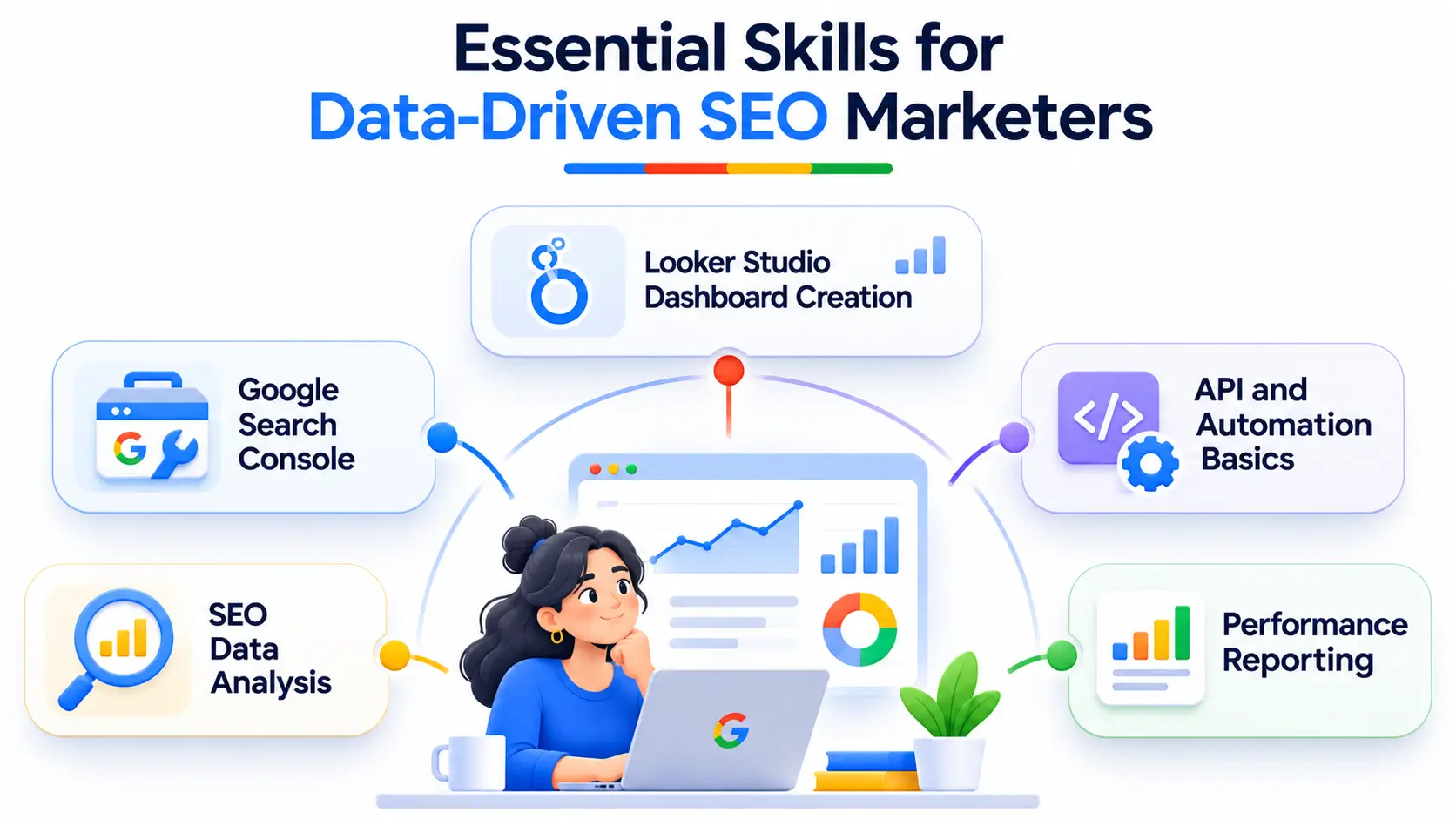
Tools and fields change, but the underlying skills stay useful: reading search metrics, segmenting data, building dashboards, and explaining findings to people who are not analysts. Basic spreadsheet fluency, a working knowledge of Looker Studio, and comfort with the structure of API responses all help.
Learners who want structured practice in these areas can look at a digital marketing academy that teaches SEO, analytics, and reporting together. Good training uses real data exercises, so a learner can open a performance report and explain what it shows.
Frequently Asked Questions
What is the Search Analytics API?
It is the interface that lets tools and scripts request Search Console performance data automatically. It returns clicks, impressions, click-through rate, and position, grouped by dimensions such as query, page, country, and device.
When did Google add the new options?
Google announced the update on 16 November 2026. It added brandedClassification, the webMultimodal search type, and the filterLists field.
Does this update change my rankings?
No. The update affects reporting access only. It gives you more ways to filter and group existing data, and it introduces no new ranking requirement.
Do I need coding skills to use the new filters?
Not necessarily. If your reports run through a connector or dashboard, you need that tool to support the new fields. Coding helps when you write your own requests, but understanding the data matters more.
Why does my brandedClassification request return no rows?
The most likely reason is eligibility. Branded data is limited to eligible top-level properties with enough volume, and it starts on 21 February 2026. A property outside those conditions returns an empty response.
What data does webMultimodal cover?
It covers performance from Google Lens, Circle to Search on Android, and image uploads in Google Search. It is a separate search type that you request on its own.
Conclusion
The new options bring three Performance report features into automated reporting: a branded and non-branded split, visual search data, and multi-country or multi-device filtering. For marketers, the gains are cleaner brand reporting, less manual merging across markets, and a way to track visual search traffic over time.
Treat the update as a reporting upgrade, not a ranking change. Check property eligibility, respect the February 2026 start date, label empty responses, and confirm that your tools support the fields. Marketers who understand how this data is built will read future reporting changes with confidence.


