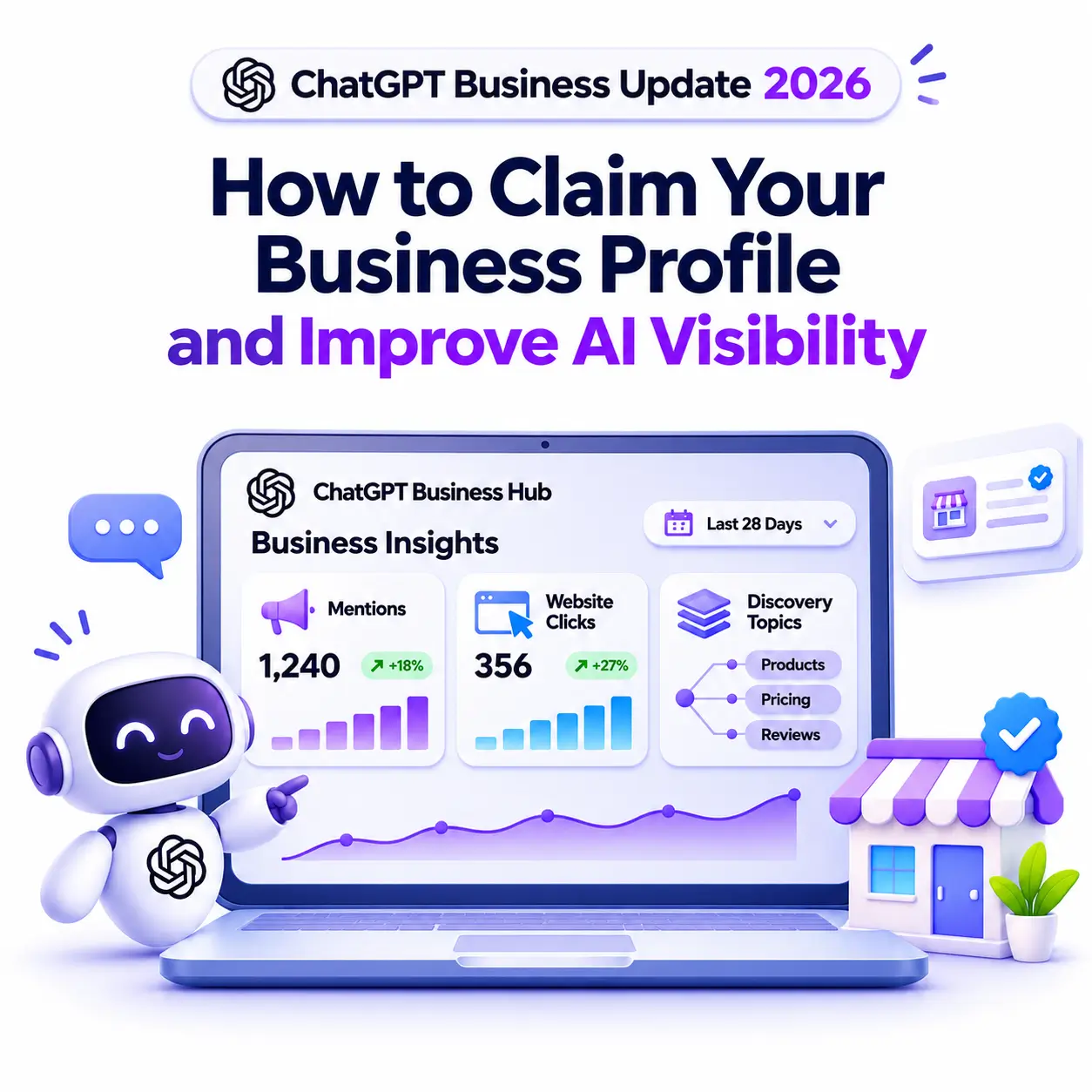
The ChatGPT Business Update 2026 gives companies an official way to manage how they appear inside ChatGPT. On November 10, 2026, OpenAI opened Business Hub in beta, allowing eligible businesses to claim a profile, verify ownership, correct their details, and view engagement data. This guide explains what changed, who can claim a ChatGPT Business Profile, how verification works, what the insights measure, and which practical steps improve AI visibility beyond simply claiming a listing.
What Is the ChatGPT Business Update?
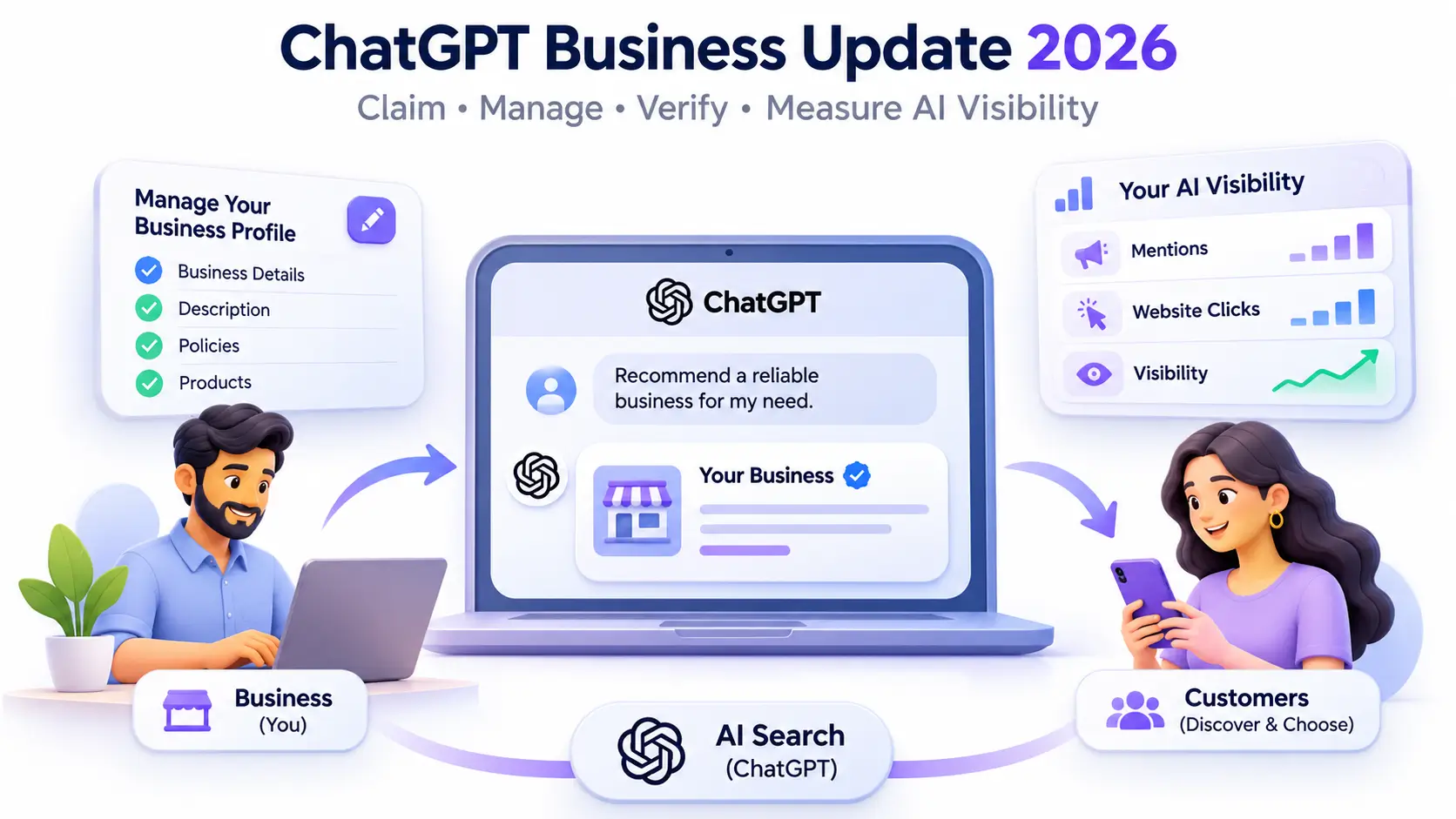
The ChatGPT Business Update refers to OpenAI’s launch of Businesses in ChatGPT, a beta program announced on November 10, 2026. It gives verified business representatives a dashboard where they can claim their organization, manage the information ChatGPT shows about it, and see aggregated data on mentions and website clicks.
OpenAI says ChatGPT reaches 1.2 billion people every week, many of whom use it to compare products, shortlist providers, or check policies before buying.
Before the ChatGPT Business Update, businesses had no official channel for supplying facts to ChatGPT, so outdated details from websites and directories could appear without the owner knowing.
Business Hub, Business Profile, and Business Listing Explained
Three terms appear repeatedly in this launch, and each means something specific:
- ChatGPT Business Hub: The management dashboard inside ChatGPT. You open it from the sidebar or at chatgpt.com/business-hub.
- ChatGPT Business Profile: The public information people see, including your category, description, website, logo, cover photo, and delivery and return policies.
- ChatGPT business listing: The entry ChatGPT already holds about your business, which you search for and claim inside Business Hub.
None of these is ChatGPT Business, the paid team workspace plan, which claiming does not require.
Why This Update Matters for AI Visibility
AI visibility describes how often and how accurately an AI assistant mentions, cites, or recommends your business. Answer engine optimization (AEO) and generative engine optimization (GEO) focus on improving it.
The first benefit is accuracy. A wrong category or outdated return policy can mislead a customer at the moment of decision, and a claimed profile lets you supply the correct version.
The second benefit is measurement. Instead of relying only on third-party tools that estimate brand mentions, marketers now get OpenAI’s own aggregated counts, similar in spirit to how Google Search Console reports search performance.
OpenAI states that claiming a business does not guarantee increased visibility or give owners direct control over ChatGPT’s independent recommendations. It also says advertising does not influence those answers. Claiming fixes your facts; it does not buy placement.
Who Can Claim a ChatGPT Business Profile?
According to OpenAI’s Help Center, you can claim a business if you own it or are authorized to represent it. Eligibility depends on the business’s location and type, and the required verification method must be supported in your region. You do not need an advertising account or a ChatGPT Enterprise agreement, and launch coverage reports that claiming and managing a profile is free during the beta.
Online Businesses and Local Businesses
An eligible online business that cannot find itself in Business Hub may see an option to add a new listing.
Local stores and restaurants can currently claim only an existing listing in the United States. Physical businesses elsewhere, such as clinics or coaching centres in India, should monitor the program for expansion while strengthening the signals ChatGPT already uses.
What Are Business Agents?
Business Agents are an optional feature where a business publishes an AI agent that answers customer questions about its products and policies. At launch, they are available only to eligible ecommerce and online service businesses in the US that have a website. They cannot complete purchases or bookings.
How to Claim Your ChatGPT Business Listing Step by Step
Use a company-controlled account rather than a personal login, so access does not disappear when an employee leaves.
- Open Business Hub. Sign in to ChatGPT and select Business Hub from the sidebar.
- Find your listing. Search for your business by name, select the matching result, and confirm the ChatGPT account that will manage it.
- Verify your connection. Choose one of the offered methods: a code sent by SMS or automated call to the business phone, a code sent to the business email, a DNS TXT record added to your website domain, or a Shopify store connection.
- Wait for approval. OpenAI reviews the claim and emails its decision or a request for more information.
- Complete identity verification with Persona. Persona is the identity verification provider OpenAI uses. You may need a government-issued ID, business registration details, and proof of authority. Approval adds a blue verified badge and unlocks editing, product feeds, and insights.
- Update your profile. Edit your website, description, category, logo, delivery policy, return policy, and cover photo. OpenAI reviews changes before publishing them, so updates can take time to appear.
Common Problems During the Claim
A few situations come up often:
- Listing shows Contact support: The listing is locked, and access must go through OpenAI Support.
- Someone else already claimed it: Use the Dispute ownership option in the profile menu and verify through Persona.
- Persona verification fails: Check that your business name, address, and registration or tax number match official records exactly.
Understanding Business Hub Insights
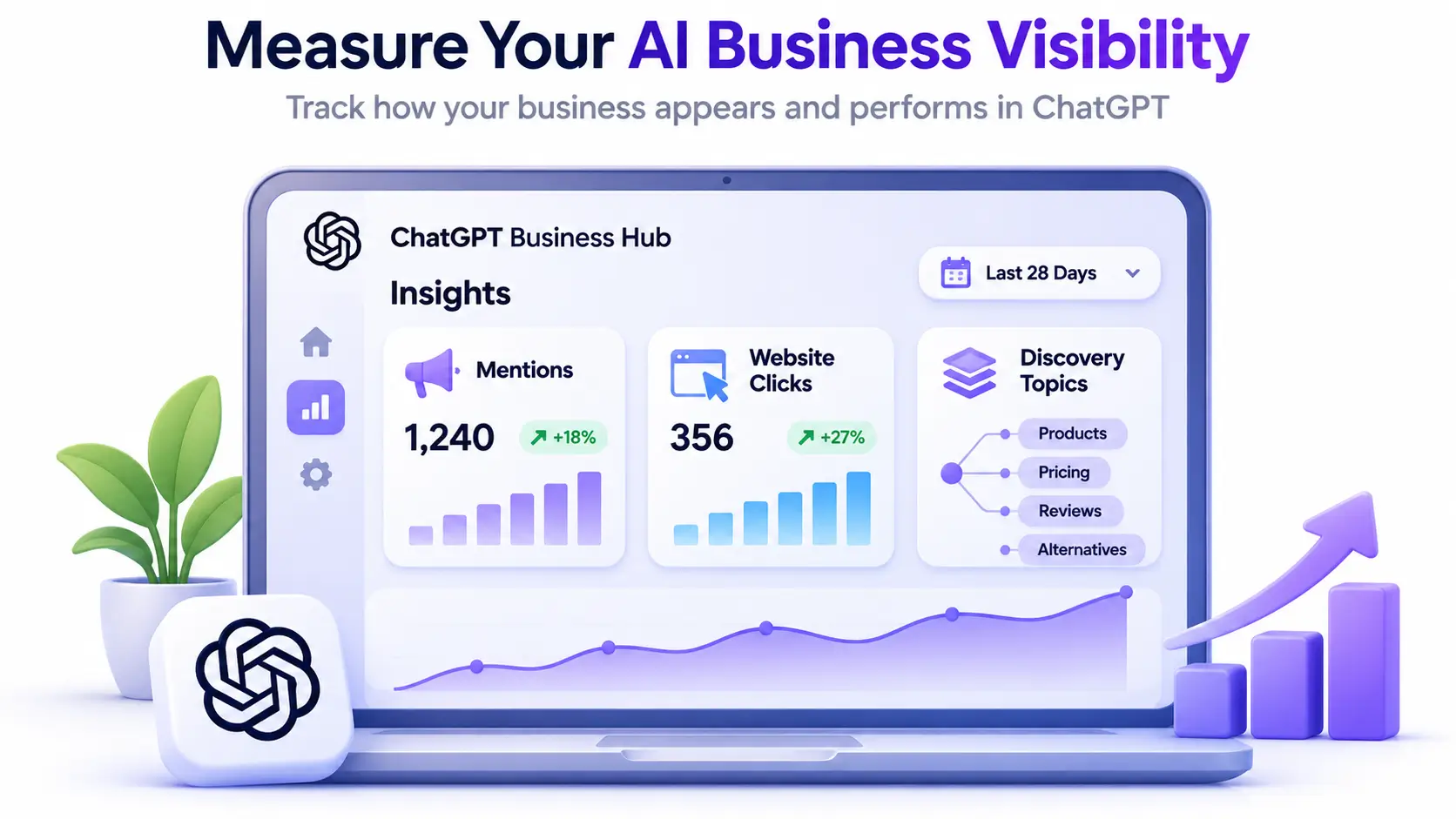
After approval, the Insights section shows aggregated activity over the past 28 days across three areas.
- Mentions: For an online business, a mention counts only when ChatGPT references the business website. The brand name alone does not count. For a local business, a mention counts when ChatGPT shows a result for that location.
- Website clicks: How often people click through from ChatGPT to your site.
- Discovery topics: Common themes in answers that mentioned or cited your business.
Businesses never see individual prompts or conversations, and a blank metric may simply mean data has not reached the reporting threshold.
Compare website clicks with chatgpt.com referral traffic in Google Analytics, and use discovery topics to decide which questions your content should answer more clearly.
How to Improve AI Visibility Beyond the Claim
ChatGPT may also use other sources when answering questions about a business, so your wider digital footprint matters as much as the profile.
Keep Business Information Consistent Everywhere
Use the same name, address, phone number, and category on your website, Google Business Profile, social pages, and directories. Conflicting details make it harder for AI systems to know which version is correct.
Make Your Website Easy for AI Systems to Read
Clear service pages, specific FAQs, and plain policy pages help AI assistants extract accurate answers. Adding LocalBusiness structured data helps search engines understand your business details. Review your robots.txt file as well, because OpenAI documents a crawler called OAI-SearchBot that supports search features in ChatGPT, and blocking it can limit how your pages surface.
Build Credible Third-Party Signals
Genuine reviews, mentions in respected publications, and accurate directory listings strengthen trust. These signals reflect the experience, expertise, authoritativeness, and trustworthiness (E-E-A-T) principles that Google describes in its guidance on AI features and your website.
Connect a Product Feed if You Sell Products
Ecommerce businesses can upload a CSV feed or connect Shopify to share prices and availability. This keeps product data current, though OpenAI says it does not guarantee recommendations.
What the ChatGPT Business Update Means for Kerala Businesses and Marketers
For businesses in Kerala, the ChatGPT Business Update is a signal that AI search now needs the same routine attention as Google search. Online brands can claim now, while local businesses can prepare by tightening their reviews and website content.
The admin who claims a business can add teammates and grant an agency access inside Business Hub. If you work with Dotcom Creativez or any other digital marketing agency in Thrissur, use this access feature instead of sharing login credentials.
If you are exploring how to advertise on ChatGPT, remember that ads and claimed profiles operate independently. For students and professionals, AEO and GEO are fast becoming core skills, and a structured digital marketing course in Thrissur can build the SEO foundation these disciplines depend on.
Frequently Asked Questions
Can businesses in India claim a profile?
Business Hub is open to eligible businesses wherever ChatGPT operates and verification is supported, but local stores and restaurants can currently claim only existing US listings.
Is it free to claim a ChatGPT Business Profile?
Launch coverage reports that claiming and managing a profile is free during the beta. OpenAI confirms you do not need an ads account or Enterprise agreement.
Does claiming my listing improve my ranking in ChatGPT?
No. OpenAI states that claiming does not guarantee more visibility. It helps ensure the information ChatGPT holds about you is accurate.
What does the blue verified badge mean?
The blue check appears after OpenAI approves your Persona identity verification. Claiming alone does not add the badge.
Can an agency manage my ChatGPT Business Hub account?
Yes. The admin who claimed the business can grant agency access. Each person should use their own ChatGPT account.
Making the ChatGPT Business Update Work for Your Brand
The ChatGPT Business Update gives businesses a verified way to manage their facts inside ChatGPT and measure mentions and clicks with first-party data. Claiming is a sensible first step, but lasting AI visibility still depends on consistent business information, helpful website content, structured data, and credible reviews. Dotcom Creativez encourages businesses to treat Business Hub as one part of a broader search strategy, reviewing their profile and insights regularly as OpenAI expands the beta.


